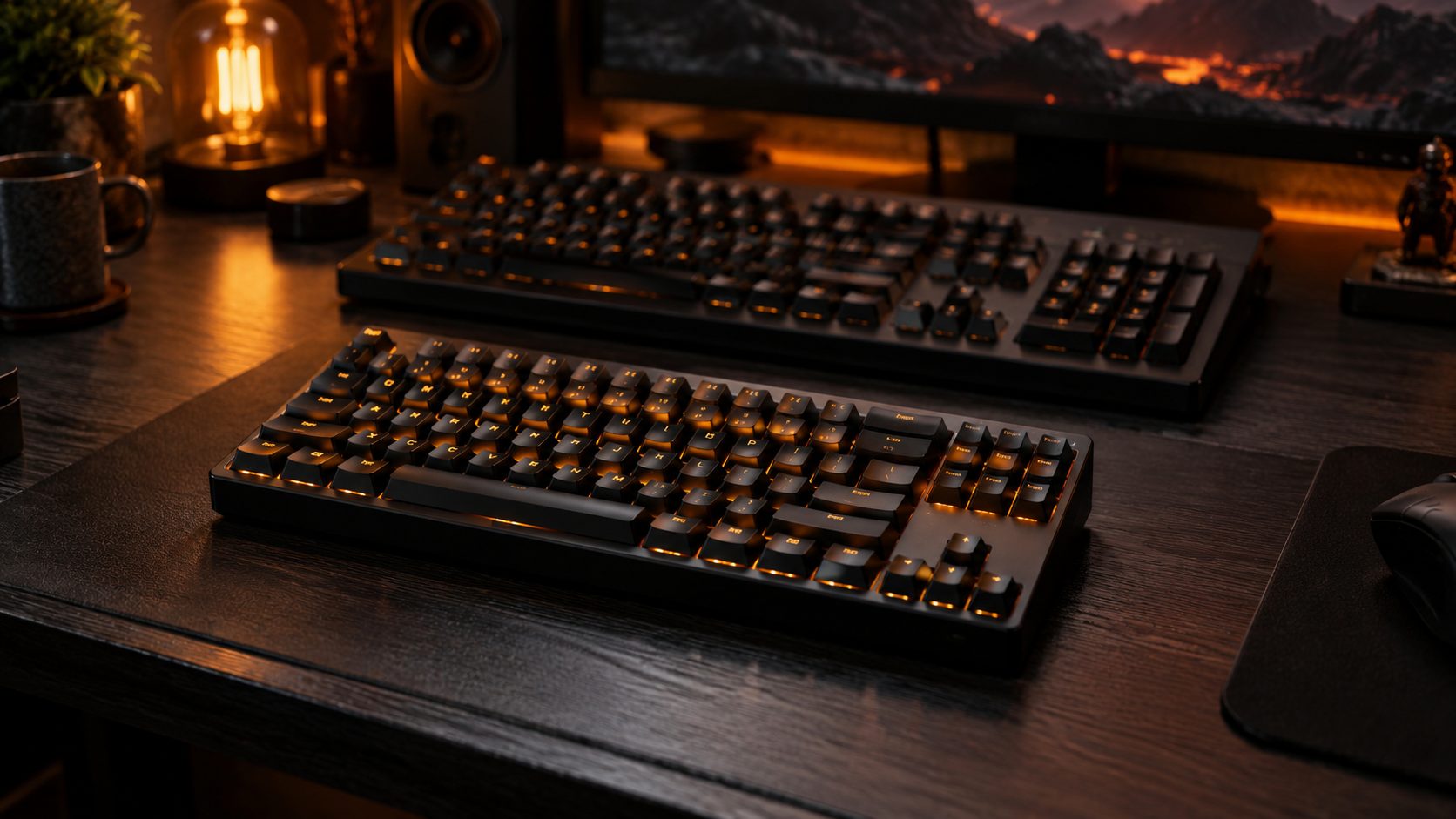
A 75% keyboard is the layout most enthusiast and gaming keyboard brands design first — compact enough to leave real room for your mouse, without cutting the arrow keys or function row that a 60% or 65% board drops. We researched five 75% keyboards worth buying in 2026. For a broader look across every layout, see our best mechanical keyboards roundup, or our gaming keyboard buying guide for the fundamentals.
What Is a 75% Layout?
A 75% keyboard keeps the full function row (F1–F12), arrow keys, and a handful of navigation keys (like Home, End, and Delete) from a full-size board, but drops the numpad and compresses the spacing between key clusters so there’s little to no wasted space. It’s the middle ground between a 60%/65% board (which cuts the function row too) and a TKL (which keeps full spacing but loses less width). For most people who don’t need a numpad, it’s the layout with the fewest real compromises.
Quick Answer
- Best for Gaming: Keychron K2 HE — magnetic Hall-effect switches with adjustable actuation for around $130–140
- Best Overall: Keychron Q1 Max — full aluminum case, gasket mount, and tri-mode wireless
- Best Splurge: Lemokey P1 HE — premium magnetic switches with a rotary knob
- Best Low-Profile: NuPhy Air75 V2 — slim, portable, and multi-device friendly
- Best Budget: Akko 5075B Plus — tri-mode wireless and hot-swap switches for around $85–105
75% Keyboards Compared
| Product | Best For | Switch Type | Connectivity | Price |
|---|---|---|---|---|
| Keychron K2 HE | Gaming | Magnetic Hall-effect, adjustable | 2.4GHz wireless / wired | ~$130–140 |
| Keychron Q1 Max | Overall | Gateron Jupiter, hot-swap | Tri-mode (2.4GHz/BT/wired) | ~$189–209 |
| Lemokey P1 HE | Splurge | Magnetic double-rail, adjustable 0.2–3.8mm | 2.4GHz wireless / wired | ~$169 |
| NuPhy Air75 V2 | Low-Profile | Low-profile, hot-swap | Tri-mode (2.4GHz/BT/USB-C) | ~$120 |
| Akko 5075B Plus | Budget | Hot-swap mechanical | Tri-mode (2.4GHz/BT/USB-C) | ~$85–105 |
1. Keychron K2 HE — Best for Gaming
Magnetic Hall-effect switches used to mean a $250+ keyboard; the K2 HE brings adjustable actuation and rapid trigger down to a much more mainstream price without cutting the 75% layout or hot-swap sockets.
- Switches: magnetic Hall-effect, hot-swappable, adjustable actuation with rapid trigger
- Layout: 75%, aluminum frame
- Connectivity: 2.4GHz wireless, wired USB-C
- Software: QMK/VIA programmable
- Price: around $130–140
Who it’s for: gamers who want adjustable magnetic switches without paying Wooting or Lemokey premium prices. Who should skip it: anyone who wants Bluetooth for switching between multiple devices — this one focuses on fast 2.4GHz and wired instead.
Our pick for gaming: magnetic switches and adjustable actuation at a genuinely reasonable price.
Check Price on Amazon (coming soon)2. Keychron Q1 Max — Best Overall
The Q1 Max wraps a full CNC-machined aluminum case, gasket-mounted plate, and factory sound-dampening foam around a genuinely comfortable typing experience, then adds tri-mode wireless so it’s not tied to a desk.
- Switches: Gateron Jupiter mechanical, hot-swappable
- Case: full aluminum, gasket-mounted with foam dampening
- Connectivity: 2.4GHz wireless, Bluetooth 5.1, wired USB-C
- Battery: 4,000mAh, rated up to 180 hours
- Price: around $189–209
Who it’s for: buyers who want an enthusiast-grade typing feel without a DIY build. Who should skip it: anyone who specifically wants adjustable magnetic actuation for gaming — the K2 HE or Lemokey P1 HE fit that better.
Our overall pick: the most premium build quality and typing feel on this list.
Check Price on Amazon (coming soon)3. Lemokey P1 HE — Best Splurge
Lemokey is Keychron’s performance-gaming sub-brand, and the P1 HE is its magnetic-switch flagship — double-rail Hall-effect switches with a wider adjustable actuation range than most competitors, plus a full metal case and a control knob.
- Switches: magnetic double-rail Hall-effect, adjustable 0.2–3.8mm
- Polling rate: up to 1,000Hz
- Case: full metal, with control knob
- Battery: 4,000mAh
- Connectivity: 2.4GHz wireless, wired USB-C
- Price: around $169
Who it’s for: buyers who want the widest adjustable actuation range and don’t mind paying for it. Who should skip it: anyone the K2 HE already satisfies — the price jump is mostly about build materials and range, not raw gaming performance.
Our splurge pick: the widest adjustable actuation range here, in a full metal case.
Check Price on Amazon (coming soon)4. NuPhy Air75 V2 — Best Low-Profile
The Air75 V2 trades standard-height mechanical switches for a slimmer low-profile design, without giving up hot-swap sockets or multi-device Bluetooth — a good fit for anyone who wants a mechanical feel in a board that packs like a laptop accessory.
- Switches: low-profile mechanical, hot-swappable
- Polling rate: up to 1,000Hz
- Connectivity: 2.4GHz wireless, Bluetooth 5.1, wired USB-C
- Battery: 4,000mAh
- Price: around $120
Who it’s for: buyers who want a slim, portable board that still switches between a laptop, tablet, and desktop over Bluetooth. Who should skip it: anyone who prefers standard-height switches and more key travel.
Our low-profile pick: slim, portable, and genuinely multi-device friendly.
Check Price on Amazon (coming soon)5. Akko 5075B Plus — Best Budget
Akko’s 5075B Plus covers the basics well for under $105 — tri-mode wireless, hot-swap sockets, and a 3,000mAh battery — without the extras that push the other boards on this list past $150.
- Switches: hot-swappable mechanical
- Connectivity: 2.4GHz wireless, Bluetooth, wired USB-C
- Battery: 3,000mAh
- Price: around $85–105
Who it’s for: buyers who want a genuinely wireless 75% board without spending $150+. Who should skip it: anyone who wants magnetic switches or a full aluminum case — those upgrades start with the pricier picks above.
Our budget pick: real tri-mode wireless and hot-swap switches under $105.
Check Price on Amazon (coming soon)How We Selected These
We selected these five keyboards based on manufacturer specifications, published technical reviews, and current US retail pricing and availability as of September 2026. We have not physically tested these keyboards ourselves. Pricing on tri-mode and magnetic-switch boards shifts fairly often — treat the figures above as a typical range rather than a live price.
75% Keyboard FAQ
What’s the difference between a 75% and a 65% keyboard?
A 75% keyboard keeps the full F1–F12 function row; a 65% keyboard drops it to save even more space, usually accessing those keys through a function-layer shortcut instead. If you use function keys often, 75% is the more comfortable layout.
Is a 75% keyboard good for gaming?
Yes — it keeps the arrow keys many games rely on, unlike smaller 60%/65% layouts, while still freeing up more mousepad space than a TKL or full-size board. The Keychron K2 HE and Lemokey P1 HE on this list are built specifically with gaming in mind.
What’s the best budget 75% keyboard?
The Akko 5075B Plus, at around $85–105, is our budget pick — it still offers tri-mode wireless and hot-swappable switches, just without the aluminum case or magnetic switches of the pricier options on this list.
Final Thoughts
A 75% board is the layout with the fewest real tradeoffs for most people — you’re not missing arrow keys or function keys, just a numpad you probably don’t reach for anyway. Start from whether you want magnetic switches for gaming or a more traditional mechanical feel for typing, then pick your budget tier from there.
This site may contain affiliate links to Amazon.com. See our Affiliate Disclaimer for details.