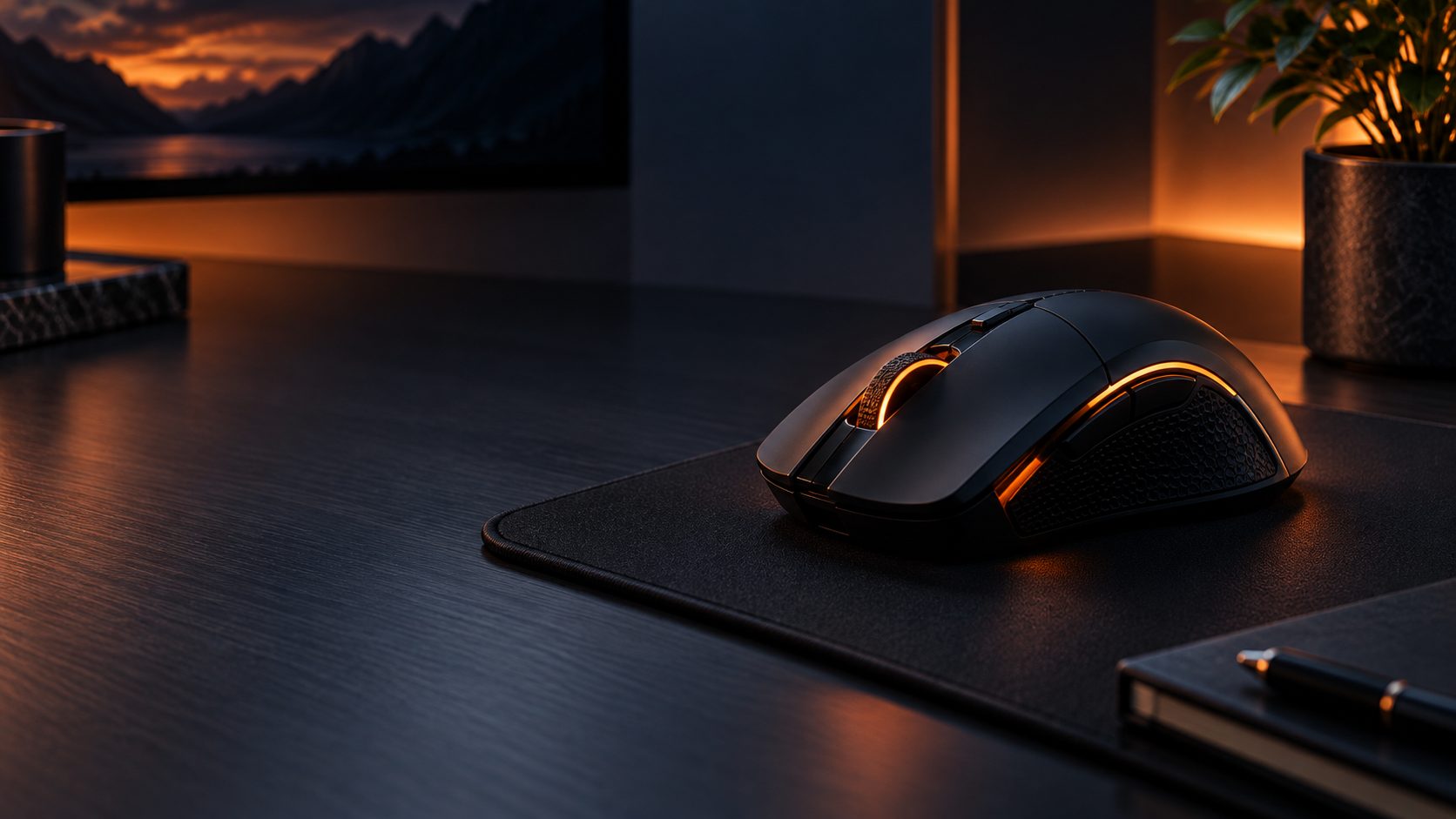
A gaming mouse can make a bigger difference to your performance than almost any other upgrade — but with hundreds of models on Amazon claiming to be “the best,” it’s hard to know what actually matters. This guide breaks down the real factors that affect how a mouse feels and performs, so you can pick the right one for your games, your hand, and your budget.
1. Wired vs. Wireless
The wired-vs-wireless debate used to be simple: wired for competitive play, wireless for convenience. That’s no longer true.
Wired Mice
- Zero latency, no battery to manage
- Usually cheaper for the same sensor quality
- Best for tournament-level competitive play
Wireless Mice
- Modern 2.4GHz wireless is now as fast as wired for nearly all players
- No cable drag — smoother, lighter feel during fast flicks
- Look for at least 40+ hours of battery life
Unless you’re competing at a professional level, a quality wireless mouse is genuinely no compromise anymore.
2. Sensor Quality
DPI (dots per inch) gets marketed heavily, but it’s the least important spec. A mouse with a good sensor at 800 DPI will outperform a bad sensor at 20,000 DPI.
- Look for sensors with no smoothing, acceleration, or jitter at your normal speed
- 1000Hz polling rate is the standard for competitive games; some newer mice offer 4000Hz+
- DPI range matters less than sensor accuracy — most players use 400–1600 DPI in practice
3. Weight and Shape
Lighter mice have become the standard for fast-paced games like shooters, while heavier mice can feel more stable and precise for slower, deliberate movements.
- Under 65g: ultra-light, best for FPS games and fast flicking
- 65–85g: balanced, works well for most genres
- 85g+: heavier, more stable feel, often preferred for MMOs and precision work
4. Grip Style
How you hold your mouse determines which shape will actually feel good in your hand.
- Palm grip: full hand rests on the mouse — favors larger, longer mice
- Claw grip: fingertips and palm both make contact, arched fingers — favors medium mice with a defined hump
- Fingertip grip: only fingertips touch the mouse — favors small, lightweight mice
5. Buttons and Programmability
- FPS/competitive: 2 side buttons is usually plenty
- MMO/MOBA: look for 6–12 programmable side buttons
- Check whether the companion software supports per-game profiles
6. Price Ranges: What You Get
Budget ($20–$40)
- Decent sensors, usually wired
- Basic shape options
- Good entry point for casual gamers
Mid-Range ($40–$80)
- High-end sensors, often wireless
- Lighter builds, better switches
- Sweet spot for most gamers
Premium ($80+)
- Flagship sensors and fastest polling rates
- Ultra-lightweight materials (often under 60g)
- Premium switches rated for 80M+ clicks
Gaming Mouse FAQ
Is wireless as good as wired for competitive gaming?
For nearly all players, yes. Modern wireless mice using 2.4GHz dongles perform on par with wired mice. Many professional esports players now compete on wireless.
Does higher DPI mean a better mouse?
No. DPI just changes cursor speed, not accuracy. Sensor quality, polling rate, and how the mouse fits your hand matter far more than a high DPI number.
How much should I spend on a gaming mouse?
$40–$80 covers nearly everything most gamers need: a great sensor, low weight, and reliable wireless connectivity.
Final Thoughts
The best gaming mouse isn’t the one with the flashiest specs — it’s the one that matches your grip style, hand size, and the games you actually play. Start with your grip style and weight preference, then narrow down by budget.
This site may contain affiliate links to Amazon.com. See our Affiliate Disclaimer for details.
Pingback: Best Wireless Gaming Mice in 2026: Top 5 Picks
Pingback: Best Gaming Mice Under $50 in 2026: 5 Picks