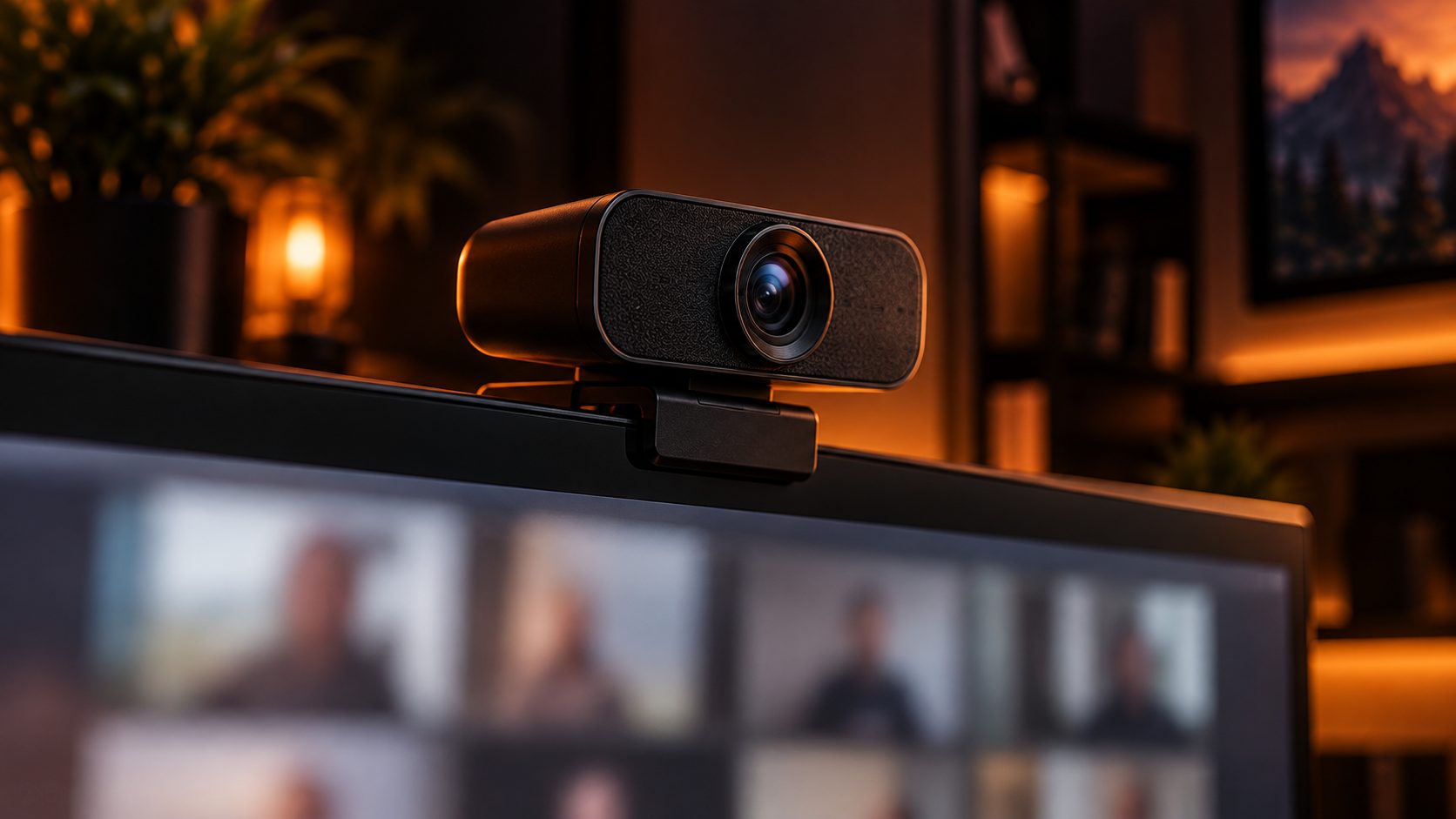
A 4K webcam is overkill for most video calls — Zoom, Teams, and Google Meet all compress your video down to 1080p or lower before the other person sees it — but resolution isn’t the only thing that separates a good webcam from a bad one. Sensor size, autofocus speed, and low-light performance matter more day to day. We researched five webcams worth buying in 2026 across calls, streaming, and content creation. If you want the fundamentals first, our webcam & microphone buying guide covers resolution, FOV, and low-light performance in more depth.
Quick Answer
- Best Overall: EMEET PIXY — dual-camera 4K PTZ with AI face tracking and 0.2-second autofocus
- Best for Streaming: Insta360 Link 2 — a gimbal that physically pans and tilts to follow you, plus gesture controls
- Best for Content Creation: Logitech Brio 4K — true 4K at 4096×2160 with HDR and 3 field-of-view presets
- Best for Low Light: Razer Kiyo V2 — a Sony STARVIS sensor built specifically for dim rooms
- Best Budget: Anker PowerConf C200 — 2K resolution and AI noise-cancelling mics for around $60–70
Webcams Compared
| Product | Best For | Resolution | Sensor | Tracking | Price |
|---|---|---|---|---|---|
| EMEET PIXY | Overall | 4K | Sony 1/2.55″ | AI face tracking, dual camera | ~$160 |
| Insta360 Link 2 | Streaming | 4K | 1/2″ | Motorized gimbal AI tracking | ~$199 |
| Logitech Brio 4K | Content Creation | 4K (4096×2160) | 13MP, RightLight 3 HDR | Manual, 3 FOV presets | ~$170 |
| Razer Kiyo V2 | Low Light | 4K | Sony STARVIS 8.3MP | AI auto-framing (Camo Studio) | ~$150 |
| Anker PowerConf C200 | Budget | 2K | 5MP CMOS | Autofocus, 95° FOV | ~$60–70 |
1. EMEET PIXY — Best Overall
PIXY uses a second, smaller camera purely to track your face and body, so the main 4K camera can pan, tilt, and zoom to follow you around a room — a PTZ feature that usually costs much more — backed by a genuinely fast 0.2-second autofocus.
- Resolution: 4K, true PTZ (pan/tilt/zoom)
- Sensor: Sony 1/2.55″
- Autofocus: PDAF + AI autofocus, around 0.2 seconds
- Audio: 3 built-in microphones
- Price: around $160
Who it’s for: buyers who want real PTZ tracking without paying for a dedicated conference-room camera. Who should skip it: anyone who wants the single largest sensor for content creation — the Brio 4K’s sensor and glass are built more for that.
Our overall pick: dual-camera PTZ tracking most webcams at this price don’t offer.
Check Price on Amazon (coming soon)2. Insta360 Link 2 — Best for Streaming
Insta360 built its name on motorized gimbals for action cameras, and the Link 2 brings that same hardware to a webcam — instead of digitally cropping to follow you, it physically rotates, which keeps image quality consistent as you move around while streaming.
- Resolution: 4K
- Sensor: 1/2″, strong low-light capability
- Tracking: motorized gimbal AI tracking with automatic zoom and framing
- Controls: gesture controls for hands-free operation
- Price: around $199
Who it’s for: streamers who move around on camera and want tracking that doesn’t rely on digital cropping. Who should skip it: buyers on a tight budget — it’s the most expensive pick on this list.
Our pick for streaming: a motorized gimbal that physically follows you, not just a digital crop.
Check Price on Amazon (coming soon)3. Logitech Brio 4K — Best for Content Creation
The Brio has been a content-creator favorite for years, and the 4K model still holds up — genuine 4096×2160 resolution, HDR that handles backlit windows and mixed lighting well, and three selectable fields of view instead of one fixed crop.
- Resolution: 4K at 4096×2160/30fps, plus 1080p/60fps and 720p/90fps modes
- Sensor: 13MP with RightLight 3 HDR
- Field of view: 3 selectable presets
- Price: around $170
Who it’s for: YouTubers and streamers who want the sharpest still image and the most manual control over framing. Who should skip it: anyone who wants automatic tracking — this is a fixed camera, not a PTZ or gimbal design.
Our pick for content creation: genuine 4K resolution and HDR that handles real lighting well.
Check Price on Amazon (coming soon)4. Razer Kiyo V2 — Best for Low Light
Most webcam sensors struggle once room lighting drops, which is exactly where the Kiyo V2’s larger Sony STARVIS sensor — designed specifically for low-light sensitivity — pulls ahead, alongside a free Camo Studio Pro license for AI auto-framing and background removal.
- Resolution: 4K/30fps, 1440p/30fps, 1080p up to 60fps
- Sensor: Sony STARVIS 8.3MP, 93° field of view
- Software: free lifetime Camo Studio Pro license (AI auto-framing, background removal, lighting correction)
- Price: around $150
Who it’s for: anyone who streams or calls in a dim room, at night, or without strong key lighting. Who should skip it: buyers already set up with bright, even lighting — the Brio or PIXY offer more resolution and features for similar money in good light.
Our pick for low light: a sensor built specifically for dim rooms, plus a genuinely useful free software license.
Check Price on Amazon (coming soon)5. Anker PowerConf C200 — Best Budget
2K is genuinely enough resolution for the vast majority of video calls, and the PowerConf C200 pairs it with dual AI noise-cancelling microphones and low-light correction — the features that actually matter for calls — at well under half the price of the flagship picks above.
- Resolution: 2K (2,560×1,440) at 30fps
- Sensor: 5MP CMOS, 95° field of view, autofocus
- Audio: dual AI noise-cancelling stereo microphones
- Price: around $60–70
Who it’s for: buyers who mainly do video calls and want good mics and a sharp-enough picture without spending $150+. Who should skip it: streamers or content creators who need true 4K, PTZ tracking, or a larger sensor for genuine low-light work.
Our budget pick: good mics and a sharp enough picture for calls, at a fraction of the flagship price.
Check Price on Amazon (coming soon)How We Selected These
We selected these five webcams based on manufacturer specifications, published technical reviews (including PC Gamer, TechRadar, and Tom’s Hardware), and current US retail pricing as of September 2026. We have not physically tested these webcams ourselves. We’ll update this list as new generations replace these models.
Webcam FAQ
Do I actually need a 4K webcam?
For video calls, no — Zoom, Teams, and Google Meet compress your outgoing video to 1080p or lower regardless of your camera’s resolution. A 4K sensor matters more for recorded content, streaming, or if you crop into the frame digitally, since you’re starting from more detail.
What actually improves low-light performance on a webcam?
Sensor size matters more than resolution — a physically larger sensor, like the Sony STARVIS sensor in the Razer Kiyo V2, captures more light per pixel. Good, even room lighting still matters more than any webcam spec, though.
Is AI tracking worth it on a webcam?
If you move around while streaming or presenting, yes — it keeps you framed without manual adjustment. For a desk video call where you sit still, it’s a nice-to-have rather than something worth paying extra for.
Final Thoughts
Match the webcam to what you actually do on camera — PTZ or gimbal tracking for streamers who move, a larger sensor for dim rooms, genuine 4K for recorded content, or a budget 2K pick with good mics if you mostly sit still on video calls. Resolution alone is the least useful spec to shop by.
This site may contain affiliate links to Amazon.com. See our Affiliate Disclaimer for details.