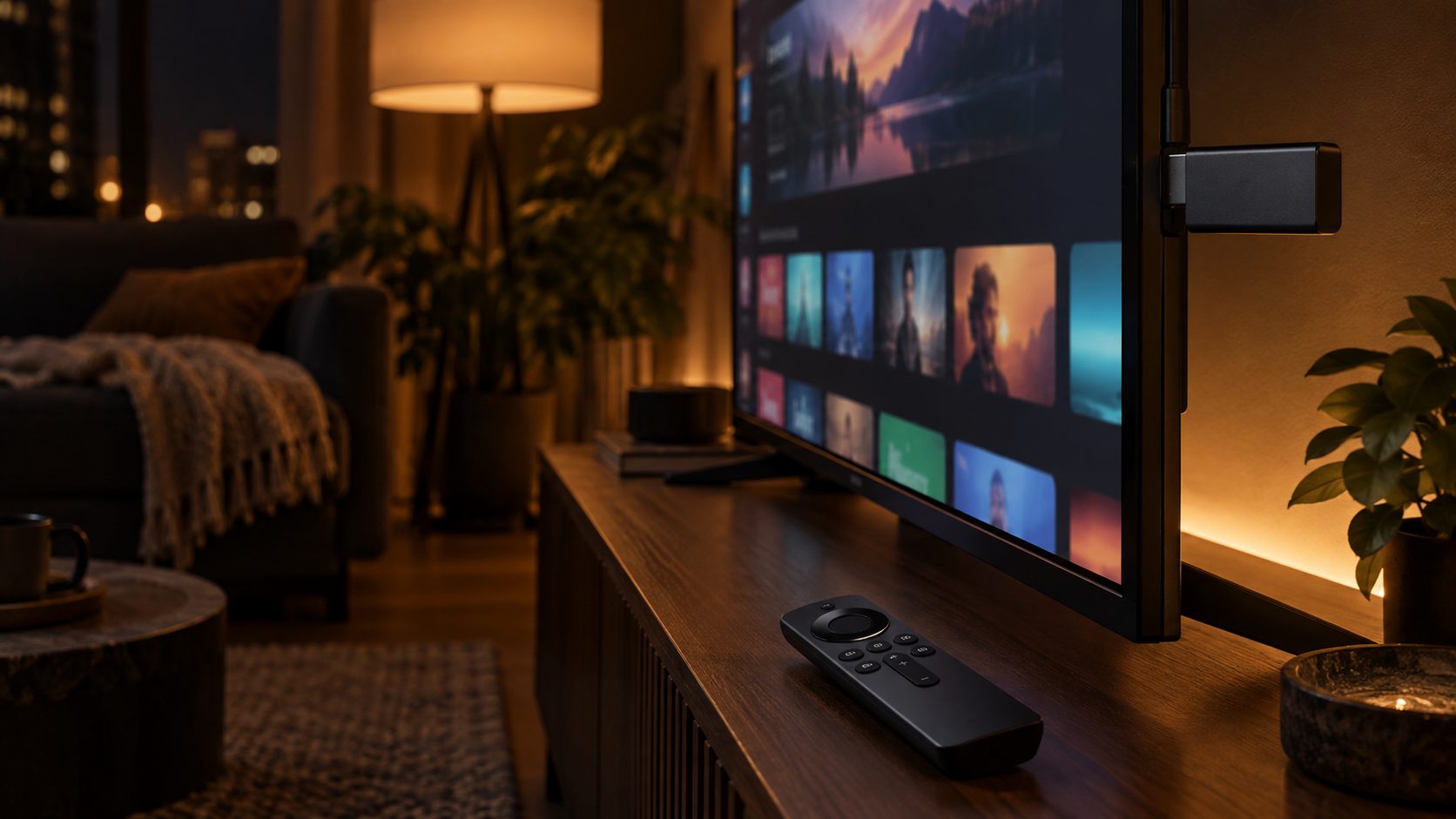
If your current TV still works, a streaming stick is almost always the better buy. It costs a fraction of a new TV and often runs a newer, faster interface than the “smart” software already built into most TVs. Buy a new TV only when the screen itself is the actual problem — broken, too small, or missing 4K picture quality you want — not just because it isn’t “smart.”
What a Streaming Stick Actually Does
A “smart TV” is just a regular TV screen with a small streaming computer built into it, running apps like Netflix and YouTube. A streaming stick is that same small streaming computer, in a device the size of a USB drive that plugs into any TV’s HDMI port — including a TV that isn’t “smart” at all. Plug it in, connect it to your Wi-Fi, and it puts the same apps on screen that a smart TV would.
The catch with built-in smart TV software: it’s tied to whatever chip was in the TV when you bought it, and manufacturers stop improving it after a few years. A $30–50 streaming stick usually has a newer processor and gets updated far longer, which is why many people plug a stick into a smart TV anyway and just ignore the TV’s own apps.
When a Streaming Stick Is All You Need
If your TV’s picture still looks fine to you and the only complaint is that the apps are slow, confusing, or missing something you want (like a specific streaming service), a stick fixes that completely for $30–80 — instead of $300+ for a whole new TV.
When You Actually Need a New TV
A streaming stick can’t fix the screen itself. Replace the TV, not just the apps, if: the picture is physically damaged or fading, the screen is smaller than you want for your room, or you specifically want a sharper 4K picture or better contrast than your current TV’s panel can produce — a stick plugged into an old, low-resolution TV still looks like an old, low-resolution TV.
3 Picks
If you just want the simplest, cheapest fix — the Amazon Fire TV Stick 4K covers the basics well: 4K picture, a remote with a dedicated Alexa voice button, and every major streaming app, for around $50.
Our pick for most people: the cheapest way to make any TV feel current.
Check Price on Amazon (coming soon)If you want the widest app selection and aren’t committed to Amazon’s ecosystem — the Roku Streaming Stick 4K has the largest app library of any streaming device and works with both Alexa and Google Assistant, for around $80.
Our pick for app selection: works with more services and more smart-home setups.
Check Price on Amazon (coming soon)If your TV actually needs replacing — the TCL QM6K is one of the better-reviewed budget 4K TVs available, with a Mini-LED backlight (thousands of tiny individually-dimmed lights behind the screen, for deeper blacks and brighter highlights than a standard budget panel) and a 120Hz refresh rate for smoother motion.
Our pick if you need a real new TV: strong picture quality without flagship pricing.
Check Price on Amazon (coming soon)FAQ
Do streaming sticks work on any TV?
Yes, as long as the TV has an HDMI port, which almost every TV made in the last 15+ years does. The stick doesn’t care whether the TV is “smart” or not — it just needs somewhere to plug in.
Is it worth buying a smart TV instead of a regular TV plus a stick?
Usually not worth choosing based on that alone. Almost all new TVs are “smart” by default now regardless of price, so this mostly matters if you already own a working non-smart or older-smart TV — in that case, a stick is the cheaper fix.
This site may contain affiliate links to Amazon.com. See our Affiliate Disclaimer for details.