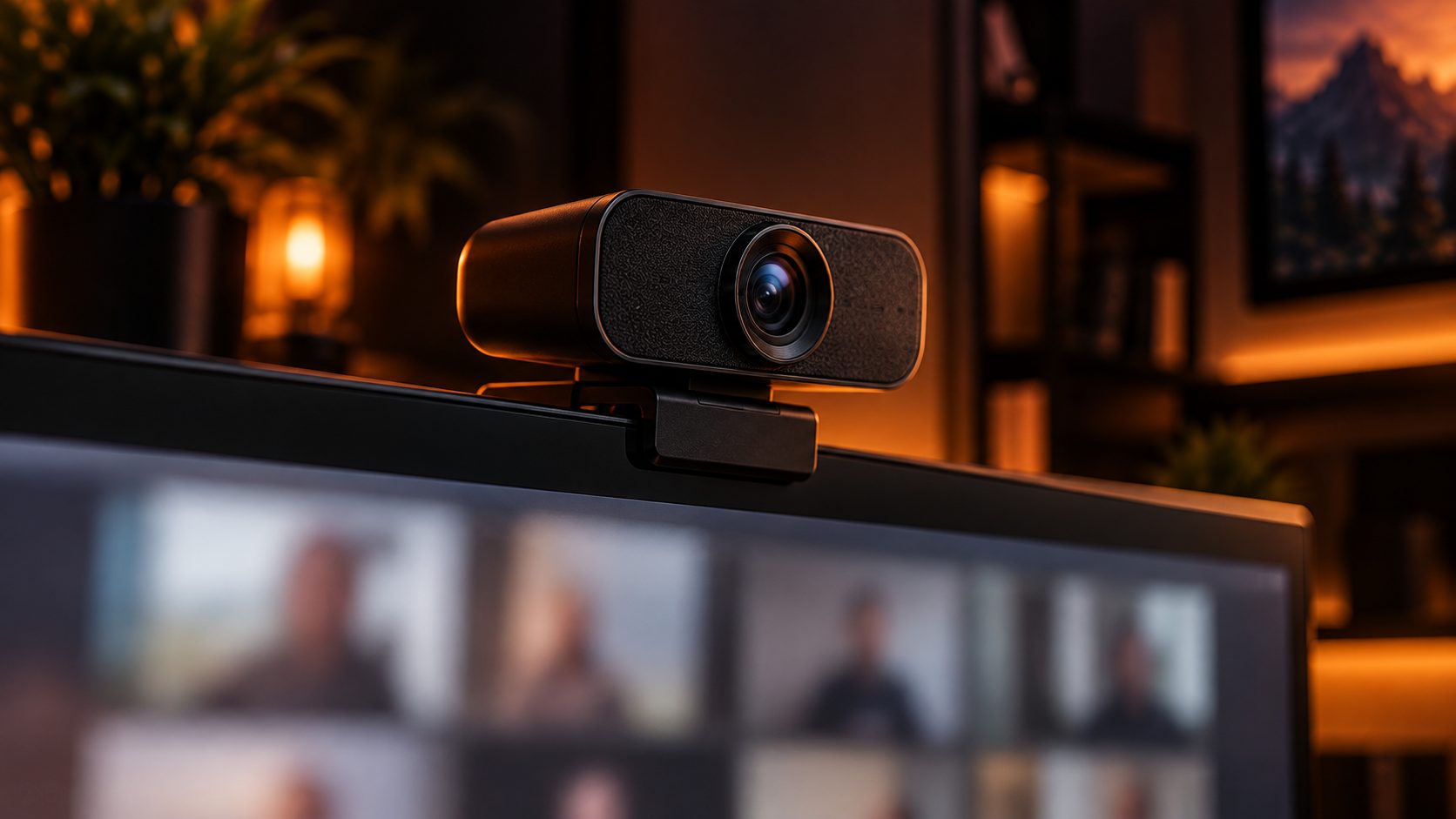
No, not really. Zoom, Microsoft Teams, and Google Meet all compress your video down to 1080p or lower before the other person ever sees it — the extra detail a 4K webcam captures gets thrown away in the process. If you’re buying a webcam specifically for video calls, resolution is the least useful spec to shop by.
Why 4K Doesn’t Actually Help on Zoom
Every major video call app — Zoom, Teams, Meet, Discord — compresses your outgoing video to save bandwidth, and that compression caps out well below 4K, usually at 1080p or even 720p depending on your connection and the app’s settings. That means a 4K webcam and a good 1080p webcam send the other person a nearly identical picture. You paid extra for detail nobody on the call ever receives.
What Actually Makes You Look Better on a Call
Three things matter far more than resolution, in roughly this order:
- Lighting. A cheap desk lamp facing you (not behind you) does more for how you look on a call than any webcam upgrade. A window facing you works too — a window behind you is what causes that dark, silhouetted look.
- Sensor size — how physically large the light-capturing chip inside the camera is, not how many megapixels it has. A bigger sensor handles dim rooms and mixed lighting better, which matters far more day to day than raw resolution.
- Microphone quality. People notice bad audio on a call much faster than they notice camera resolution — a webcam with decent built-in mics (or a separate USB mic) matters more than most people expect.
3 Webcams Worth Buying (And When You’d Want Each)
If you mostly do work video calls — this is most people — the Anker PowerConf C200 covers what actually matters: decent 2K picture (more than enough once it’s compressed for the call), autofocus, and genuinely good AI noise-cancelling mics, for around $60–70.
Our pick for most people: good picture and good mics, without paying for resolution you won’t use.
Check Price on Amazon (coming soon)If you want a more established brand and slightly better handling of tricky lighting — a bright window behind you, for example — the Logitech Brio 4K (used in its 1080p mode for calls) adds HDR that balances bright and dark areas of the frame better than most webcams at this price, for around $170.
Our step-up pick: better handling of backlit rooms, even though you’ll still be calling at 1080p.
Check Price on Amazon (coming soon)If you actually record or stream video — YouTube, Twitch, saved recordings people will watch full-screen — then resolution finally matters, because that content isn’t compressed down the way a live call is. The EMEET PIXY offers real 4K plus AI tracking that follows you around a room, for around $160.
Our pick if resolution actually matters for you: genuine 4K for recorded or streamed video, not just calls.
Check Price on Amazon (coming soon)FAQ
So is a 4K webcam ever worth it?
Yes, but only if you record or stream video that people will watch outside of a live compressed call — YouTube videos, Twitch streams, saved recordings. For Zoom, Teams, or Meet specifically, it makes no visible difference.
What’s the single cheapest way to look better on a call?
A lamp facing you. It costs less than any webcam and makes a bigger visible difference than upgrading your camera.
This site may contain affiliate links to Amazon.com. See our Affiliate Disclaimer for details.