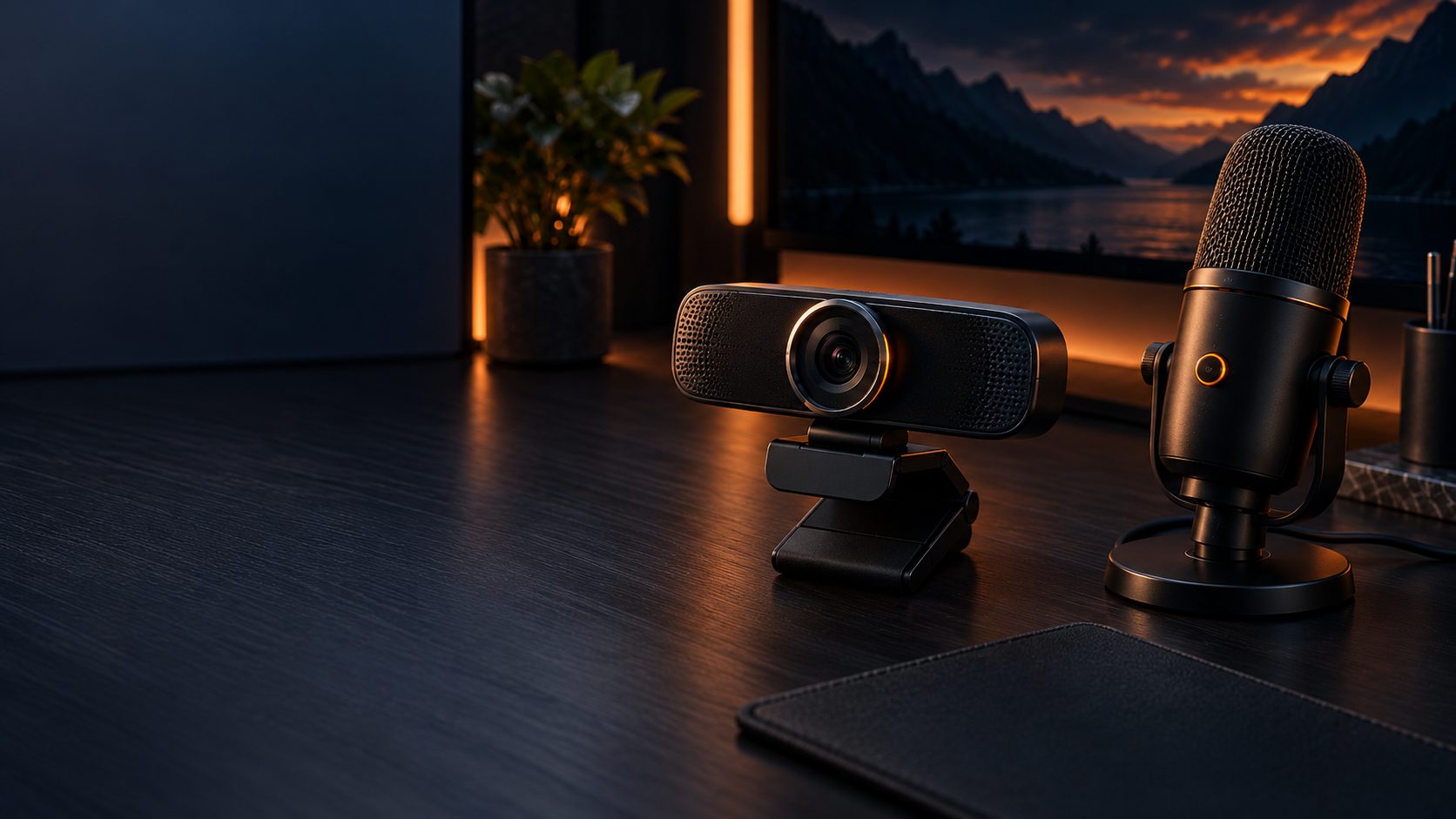
Whether you’re streaming, gaming on camera, or just want to look and sound better on video calls, your webcam and microphone matter more than your gaming PC. This guide explains what the specs actually mean so you can build a setup that fits your budget.
1. Webcam Resolution and Frame Rate
- 1080p30 is the practical minimum for streaming or clear video calls
- 1080p60 gives smoother motion — noticeably better for gameplay overlays and fast movement
- 4K webcams exist but most streaming platforms downscale to 1080p anyway, so 4K mainly helps if you crop/zoom the frame
2. Sensor Size and Low-Light Performance
Two webcams can share the same resolution and look completely different on camera. A larger sensor lets in more light, which means less grain and better color in a dim room — this matters far more than resolution once you’re above 1080p.
3. Field of View and Autofocus
- Wide FOV (90°+) suits multi-person or full-desk shots but can distort faces up close
- Narrower FOV (65–78°) looks more natural for a single person close to the camera
- Autofocus keeps you sharp if you move; fixed-focus webcams need you to stay at a set distance
4. Microphone Types
USB Condenser Microphones
- Plug-and-play, most popular for streaming
- Cardioid pattern picks up your voice and rejects side/rear noise
- Sensitive — picks up more room echo and background noise if not treated
Dynamic Microphones
- Less sensitive, rejects background noise well — great for untreated rooms
- Usually needs an XLR interface or audio mixer with enough gain
- Preferred by many professional streamers for consistent, clean audio
5. Built-In Webcam Mics vs. Dedicated Microphones
A webcam’s built-in microphone is almost always a compromise — it’s positioned for convenience, not audio quality. If viewers or call participants will hear you for more than a few minutes, a separate USB microphone is one of the highest-impact upgrades you can make.
6. Price Ranges: What You Get
Budget ($30–$60 combined)
- 720p–1080p30 webcam, basic USB mic
- Fine for casual video calls
Mid-Range ($60–$150 combined)
- 1080p60 webcam with good low-light performance
- Quality USB condenser mic with real-time monitoring
Premium ($150+ combined)
- 4K or advanced autofocus webcams
- Dynamic mic plus audio interface for broadcast-quality sound
Webcam & Microphone FAQ
Do I need a separate microphone if my webcam has one built in?
If audio quality matters to your viewers or callers, yes. Built-in webcam mics are usually the weakest link in an otherwise decent setup.
Is 4K worth it for streaming?
Usually not by itself — most platforms cap streams at 1080p. It’s more useful if you want room to crop or zoom without losing sharpness.
Final Thoughts
For most people, a solid 1080p60 webcam paired with a dedicated USB microphone will outperform an expensive 4K webcam with a weak built-in mic. Prioritize the microphone — viewers forgive average video far more readily than bad audio.
This site may contain affiliate links to Amazon.com. See our Affiliate Disclaimer for details.
Pingback: Best Webcams in 2026: Top 5 Picks