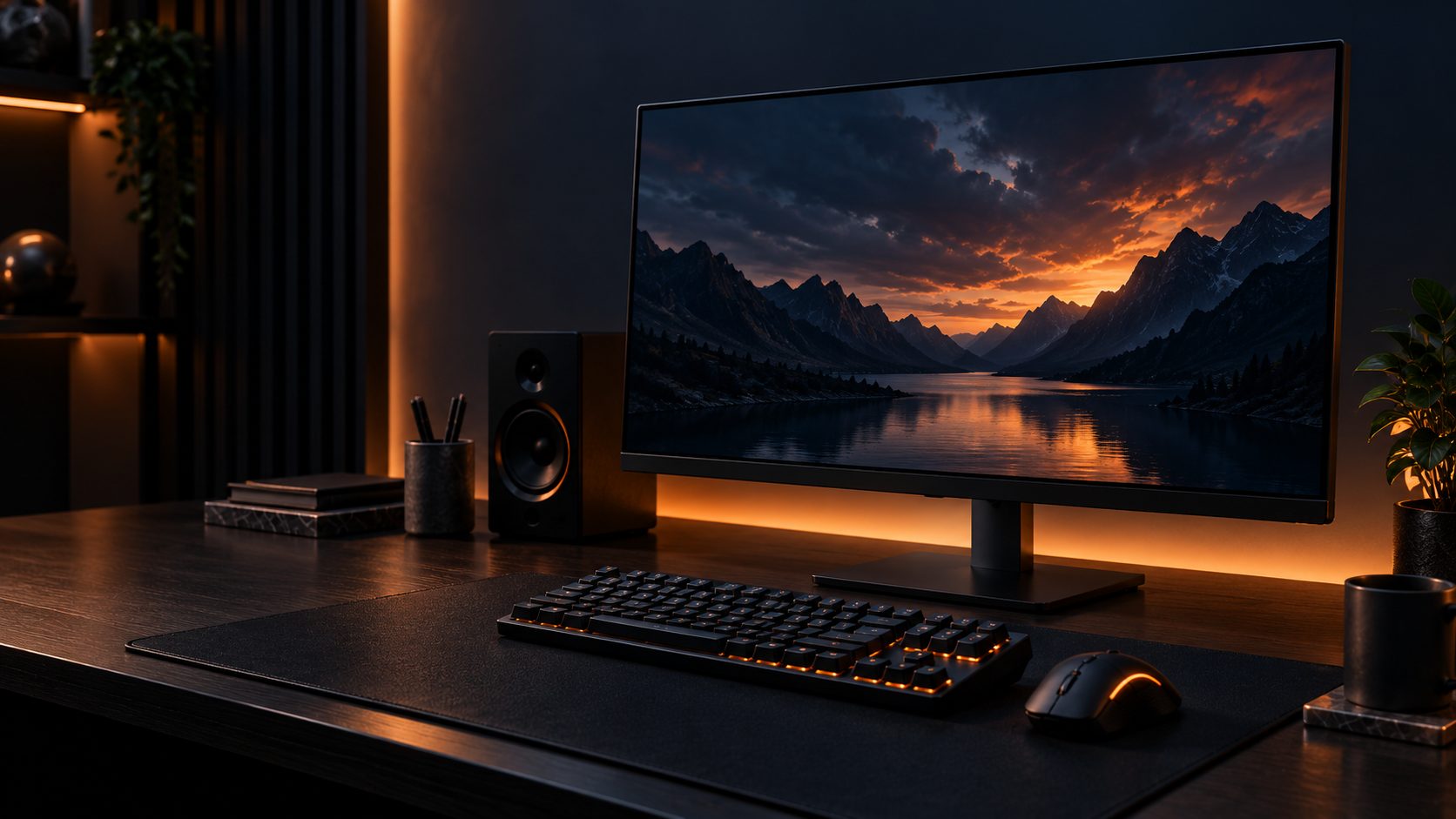
A gaming monitor upgrade often improves your experience more noticeably than a GPU upgrade — but the spec sheet is full of numbers designed to look impressive rather than explain what you’ll actually notice. Here’s what really matters.
1. Refresh Rate
- 60Hz: standard, fine for slower or story-driven games
- 144Hz: the sweet spot — a clearly noticeable jump in smoothness for competitive and fast-paced games
- 240Hz+: diminishing returns for most players, but valued by competitive FPS players
2. Resolution
- 1080p: easiest to run at high frame rates, best if your GPU is mid-range
- 1440p: the current sweet spot for image quality vs. performance cost
- 4K: sharpest image, but needs a powerful GPU to hit high refresh rates
Match resolution to your GPU, not the other way around — a 4K monitor paired with a mid-range GPU will force you to choose between resolution and frame rate.
3. Panel Type
- IPS: best color accuracy and viewing angles, great all-rounder — most popular choice now
- VA: deeper blacks and higher contrast, but slower pixel response than IPS
- TN: fastest response times and cheapest, but weaker color and viewing angles — increasingly rare
4. Response Time and Motion Clarity
Response time (measured in ms, usually GtG) affects motion blur during fast movement. Anything at or below 1ms GtG is effectively indistinguishable in practice — don’t overweight this number once a monitor is already fast enough for its refresh rate.
5. Adaptive Sync (G-Sync / FreeSync)
Adaptive sync matches your monitor’s refresh rate to your GPU’s frame rate, eliminating screen tearing without the input lag of traditional V-Sync. Check that your monitor’s adaptive sync range overlaps with the frame rates your GPU actually produces in your games.
6. Size and Curve
- 24–25 inch: best pixel density at 1080p, popular for competitive FPS
- 27 inch: the standard sweet spot for 1440p
- 32 inch+ or ultrawide: immersive for single-player and simulation games, less ideal for competitive shooters
7. Price Ranges: What You Get
Budget ($150–$250)
- 1080p, 144–165Hz, IPS or VA panel
Mid-Range ($250–$450)
- 1440p, 144–165Hz, strong color accuracy, adaptive sync
Premium ($450+)
- 4K or ultrawide, 240Hz+, OLED or high-end IPS panels
Gaming Monitor FAQ
Is 144Hz enough for gaming?
Yes, for the vast majority of players. It’s the single biggest jump in perceived smoothness over 60Hz — higher refresh rates offer smaller, more marginal improvements.
Should I prioritize resolution or refresh rate?
For competitive gaming, refresh rate. For single-player and visually-focused games, resolution and panel quality matter more.
Final Thoughts
Pick your resolution based on what your GPU can actually drive, prioritize refresh rate if you play competitive games, and don’t overpay for response times beyond what’s already imperceptible.
This site may contain affiliate links to Amazon.com. See our Affiliate Disclaimer for details.
Pingback: Best 1440p Gaming Monitors in 2026: 5 Picks