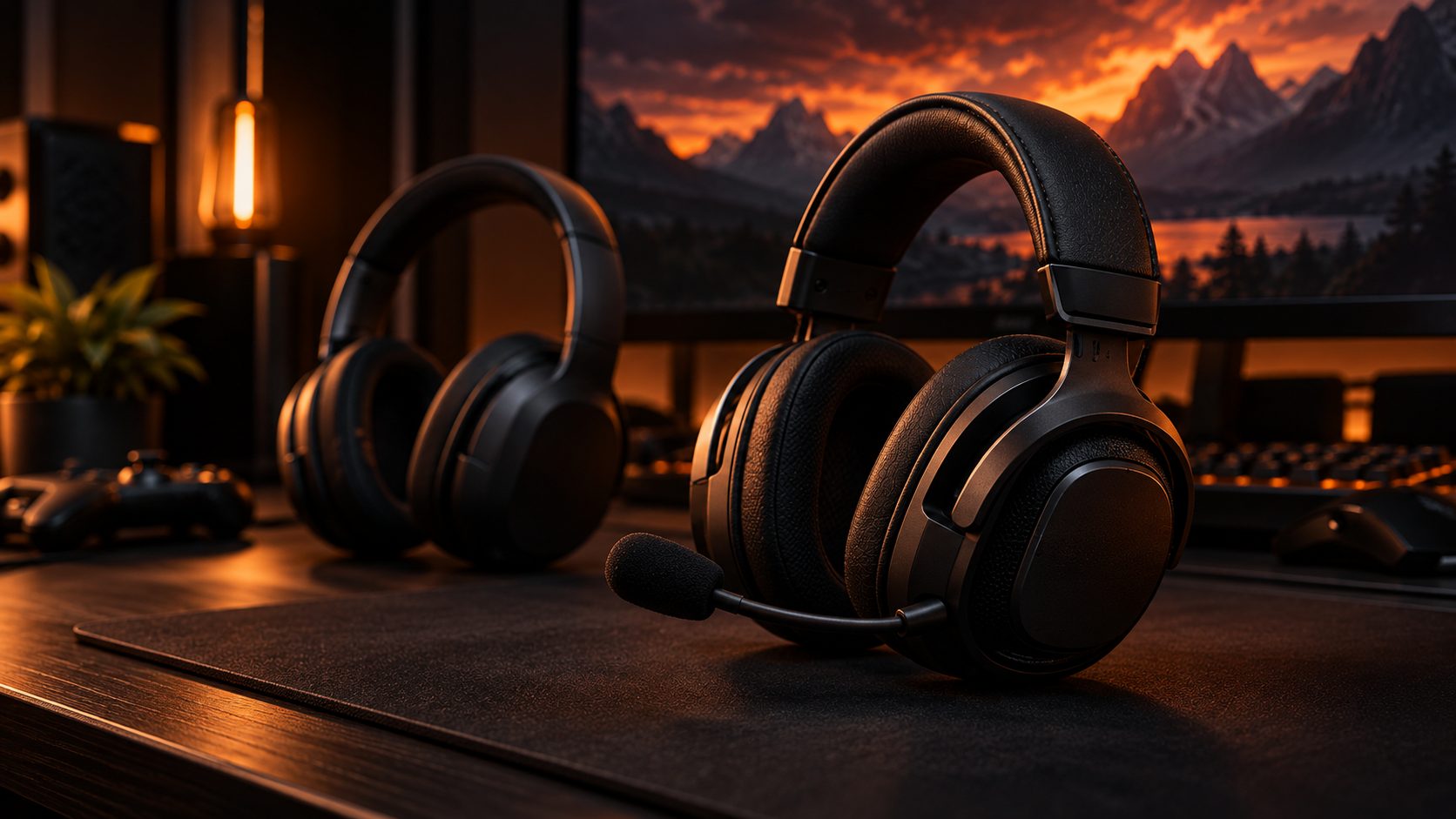
A gaming headset looks like a pair of headphones, but the specs that actually matter are different — connection type, microphone quality, and spatial audio make a bigger difference than sound signature alone. With dozens of models claiming to be built for PC, PS5, Xbox, or “everything,” it’s easy to end up with the wrong one for your setup. This guide breaks down what actually separates a good gaming headset from a bad one, so you can pick the right one for your platform and budget.
1. What Makes a Gaming Headset Different From Headphones?
Regular headphones and gaming headsets share the same basic hardware — drivers, ear cups, a headband — but a few differences matter once you’re actually gaming:
- A built-in boom microphone (usually detachable or retractable), tuned for voice chat rather than music
- A sound signature that emphasizes footsteps, gunshots, and other positional cues over deep bass
- Game/chat balance controls, either on the ear cup or on a control box, to mix game audio against voice chat
- Spatial or virtual surround modes for positional audio in supported games
If you already own a great pair of headphones, a clip-on or USB microphone can get you most of the way to a gaming setup — but a dedicated headset is usually simpler and cheaper than headphones plus a separate mic of similar quality. If gaming is secondary and you mainly want great sound for music, calls, and movies, our guide to choosing wireless headphones covers what to prioritize instead.
2. Wireless (2.4GHz/Bluetooth) vs. Wired vs. USB
“Wireless” doesn’t mean one thing on a gaming headset — the connection type it uses matters more than whether it has a cable.
2.4GHz Wireless (USB Dongle)
- The standard for low-latency wireless gaming on PC and consoles
- Uses its own small USB dongle instead of your device’s built-in Bluetooth
- Works the same way on PC, PS5, and Xbox as long as there’s a free USB port
Bluetooth
- Convenient for phone calls, music, and connecting to a PC without a dongle
- Not used for game audio on PS5 or Xbox — those consoles don’t support Bluetooth headsets for gameplay sound, only 2.4GHz dongles or wired
- Some headsets pair Bluetooth and a 2.4GHz dongle at the same time, so you can take calls on your phone while gaming
Wired (3.5mm or USB)
- Zero latency, no battery to charge, usually the cheapest option
- Works with literally anything that has the matching port — the only truly universal option
- A solid fallback even on a wireless headset, for when the battery dies mid-session
Higher-end headsets often support all three (tri-mode), which is worth it if you switch between platforms or want a wired backup.
3. Microphone Quality & Sidetone
The microphone is the single biggest difference between a headset and a pair of headphones, and it’s the part budget models cut corners on first.
- Boom mic vs. built-in mic: a boom mic positioned near your mouth almost always sounds clearer than a mic built into the ear cup
- Noise rejection: look for a mic that filters out keyboard clicks, fans, and background noise — separate from any noise cancellation on the ear cups themselves
- Sidetone: feeds your own voice back into the headset so you don’t end up shouting — a comfort feature cheaper headsets often skip entirely
- Mute indicator: a physical mute switch or LED so you always know whether your team (or your call) can hear you
4. Spatial and Virtual Surround Audio, Explained
Most gaming headsets only have two drivers — one per ear — even when the box advertises “7.1 surround.” That number describes software-processed virtual surround, not seven physical speakers: the headset’s software simulates directional cues so footsteps or gunfire seem to come from a specific direction instead of just “left” or “right.”
- PS5 has its own spatial format (Tempest 3D AudioTech) and Xbox supports Windows Sonic and Dolby Atmos for Headphones — these are console/system-level features, separate from any surround mode built into the headset itself
- Headset-brand virtual surround software is a separate, proprietary layer on top of that, usually enabled through a companion app
- It’s genuinely useful for positional cues in competitive shooters, but not a universal upgrade — some competitive players turn it off in favor of plain stereo, which they find more predictable
5. Comfort and Weight for Long Sessions
A headset you’re wearing for a two-hour raid or a long shift of calls needs to disappear on your head, not remind you it’s there.
- Clamping force: tighter clamping improves stability and passive isolation but gets uncomfortable faster, especially with glasses
- Cushion material: memory foam with breathable fabric or velour stays cooler over long sessions than leatherette, which traps heat
- Weight and balance: total weight matters less than how it’s distributed — a well-balanced headband can feel lighter than a lower-weight one that’s front-heavy
- Over-ear vs. on-ear: over-ear designs fully enclose the ear and are generally more comfortable for long sessions; on-ear headsets are more compact but rest directly on the ear
6. Platform Compatibility: PC, PS5, Xbox, and Switch
“Works with everything” is rarely true — check compatibility against the platform you actually use before you buy.
- PC: the most flexible platform — 3.5mm, USB, a 2.4GHz dongle, and Bluetooth all work, since PC fully supports Bluetooth audio profiles
- PS5: doesn’t support Bluetooth headsets for game audio — use the 3.5mm cable through the DualSense controller, a 2.4GHz USB dongle, or a headset built around Sony’s proprietary wireless tech
- Xbox Series X|S: also skips Bluetooth for game audio — use the 3.5mm jack on the controller, a 2.4GHz USB dongle, or a headset with built-in Xbox Wireless (the same protocol Xbox controllers use, no dongle needed)
- Nintendo Switch / Switch 2: the original Switch’s Bluetooth audio is limited to the older SBC codec with no microphone support; Switch 2 upgraded to Bluetooth 5.2 with AAC and low-latency LE Audio, which noticeably improves the experience — but Bluetooth mics still aren’t supported on either, so wired 3.5mm remains the safest option, especially docked
7. Price Ranges: What You Get
Budget ($30–$60)
- Usually wired or basic 2.4GHz wireless
- Functional boom mic, little to no sidetone
- Good entry point if you just need a mic and reasonable sound
Mid-Range ($60–$120)
- Reliable 2.4GHz wireless, often with Bluetooth as a second connection
- Better mic quality with sidetone and companion-app EQ or virtual surround
- The sweet spot for most gamers
Premium ($120+)
- Tri-mode connectivity (2.4GHz, Bluetooth, wired)
- Premium driver quality, console-native spatial audio support, and longer battery life
- Higher-end materials for comfort over long sessions
Gaming Headset FAQ
Do I need a gaming headset, or will regular headphones work?
Regular headphones work fine for the audio side, but you’ll need a separate microphone for voice chat. A gaming headset bundles both into one piece and tunes the sound for footsteps and positional cues rather than music.
Does Bluetooth work for gaming headsets on PS5 and Xbox?
No. Neither console supports Bluetooth headsets for game audio. You’ll need a wired connection, a 2.4GHz USB dongle, or (on Xbox) a headset with built-in Xbox Wireless.
Is spatial or virtual surround audio worth it?
For competitive shooters, it can genuinely help you place footsteps and gunfire more accurately. For other genres it’s more of a nice-to-have, and some players prefer plain stereo for its predictability — it’s worth trying both and sticking with what you can track sound in more consistently.
Final Thoughts
The right gaming headset comes down to your platform first, then your mic and comfort needs. Confirm how it connects to PS5, Xbox, PC, or Switch before you look at anything else — the best-sounding headset in the world isn’t a fit if it can’t do game audio over Bluetooth on your console. Ready to see specific picks? Our best gaming headsets for PC, PS5, and Xbox roundup covers real models across every budget.
This site may contain affiliate links to Amazon.com. See our Affiliate Disclaimer for details.
Pingback: Best Gaming Headsets in 2026 for PC, PS5, Xbox
Pingback: Best Headphones for Horror Games in 2026: Hear Every Scare